Affordable Automation: How to Set Up a Smart Home System on a Budget
Creating a futuristic, automated living space does not require a millionaire’s bank account. With strategic planning and the right devices, you can enjoy voice control and automated security for a fraction of the cost of high-end installs. If you are wondering how to set up a smart home system on a budget, luxury-packaging-design, the secret lies in starting small and prioritising versatility. Here are 12 essential steps to building a connected home without breaking the bank.
1) Choose a Compatible Ecosystem First
Before buying a single device, decide on a central platform. The two most popular budget-friendly options are Amazon Alexa and Google Home. Both offer free apps that control devices from various brands without needing an expensive central hardware hub. Sticking to one ecosystem ensures all your future lighting ideas and romantic bedroom purchases work together seamlessly. Mixing Apple HomeKit, Google, and Amazon devices can lead to compatibility headaches and the need for expensive bridge hardware later.

2) Start with Smart Plugs
The most cost-effective entry point into home automation is the humble smart plug. These affordable adapters fit into standard wall outlets and allow you to control “dumb” appliances—like coffee makers, fans, or lamps—via your phone. For under $15, you can schedule your living room lamp to turn on at sunset or ensure your hair straightener is off after you leave the house.

3) Opt for Mini Voice Assistants
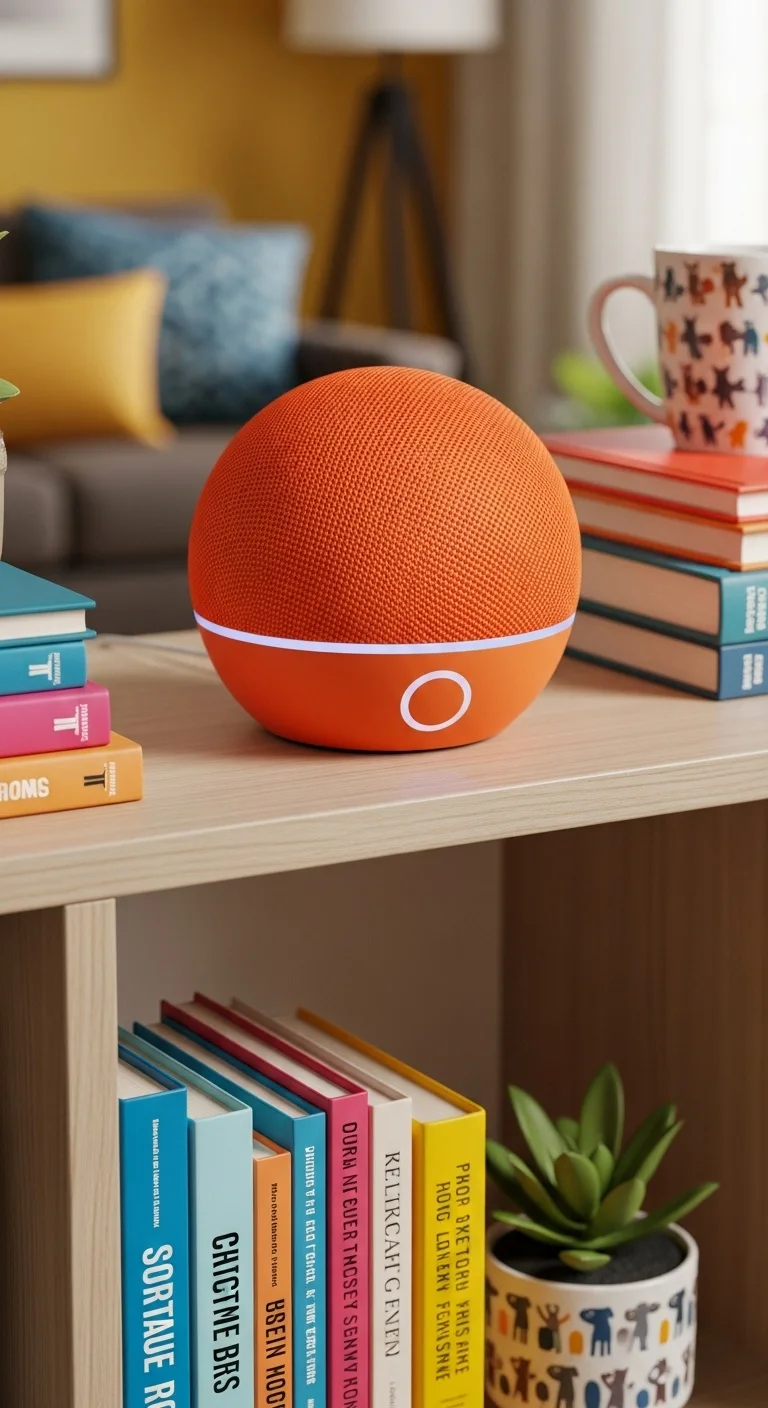
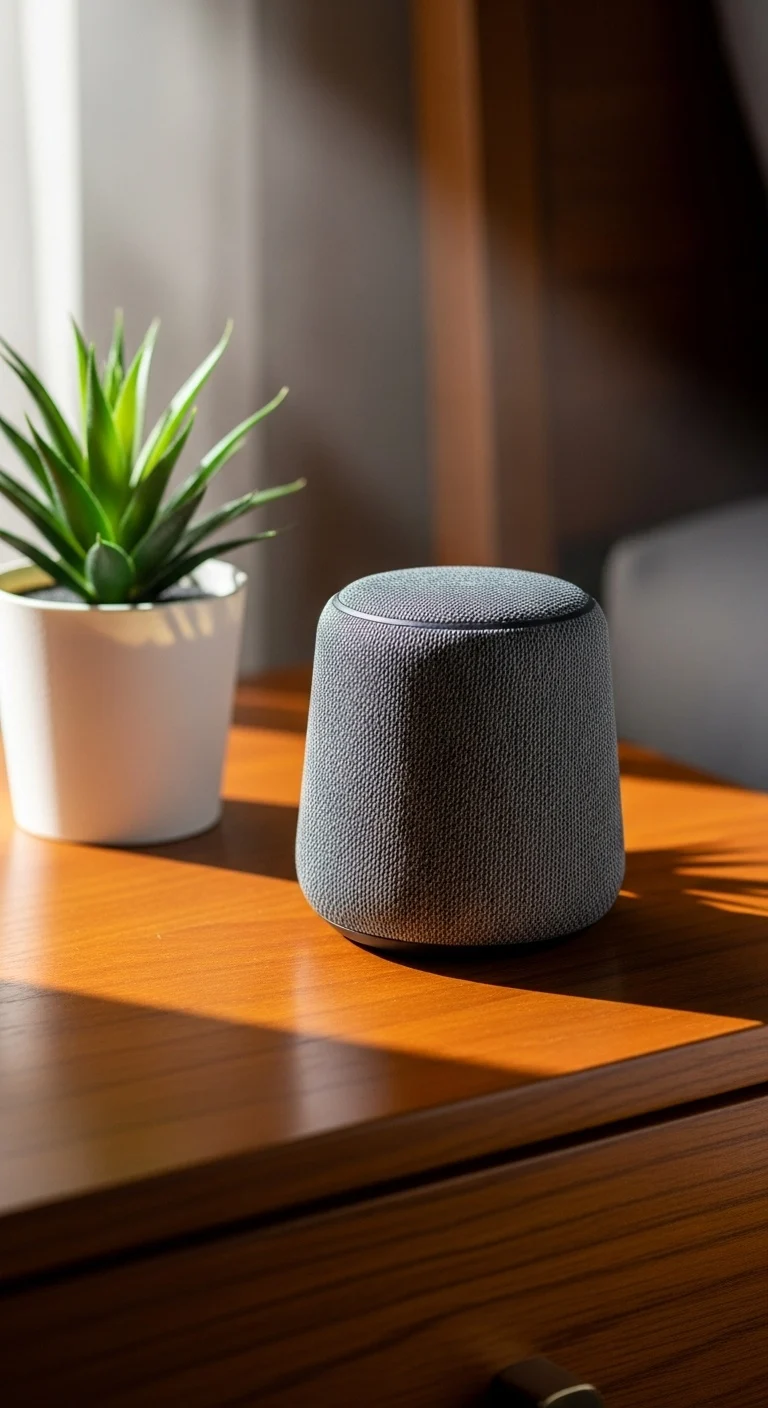
You do not need a high-end smart speaker with premium audio to control your home. The Amazon Echo Dot and Google Nest Mini serve as capable voice controllers for a fraction of the price of their larger counterparts. These compact devices act as the ears of your smart home, allowing you to issue voice commands to lights, plugs, and thermostats just as effectively as the expensive models.

4) Prioritise Wi-Fi Smart Bulbs
Changing your lighting changes the entire mood of a room. Wi-Fi-enabled LED bulbs connect directly to your router without a hub. Brands like Wyze, Sengled, or generic options offer excellent functionality at a low price point. You can dim lights, change colours, or set schedules without installing new switches. This is a renter-friendly upgrade that provides an immediate wow factor.

5) Install Smart Light Switches for Large Rooms
If a room has recessed lighting with multiple bulbs, buying individual smart bulbs gets expensive quickly. In this case, replacing the single wall switch with a smart switch is the budget-conscious move. One smart switch ($15–$30) can control a fixture with six or eight bulbs. This saves money and ensures the lights still work manually if the internet goes down.

6) Utilise Free Automation Software
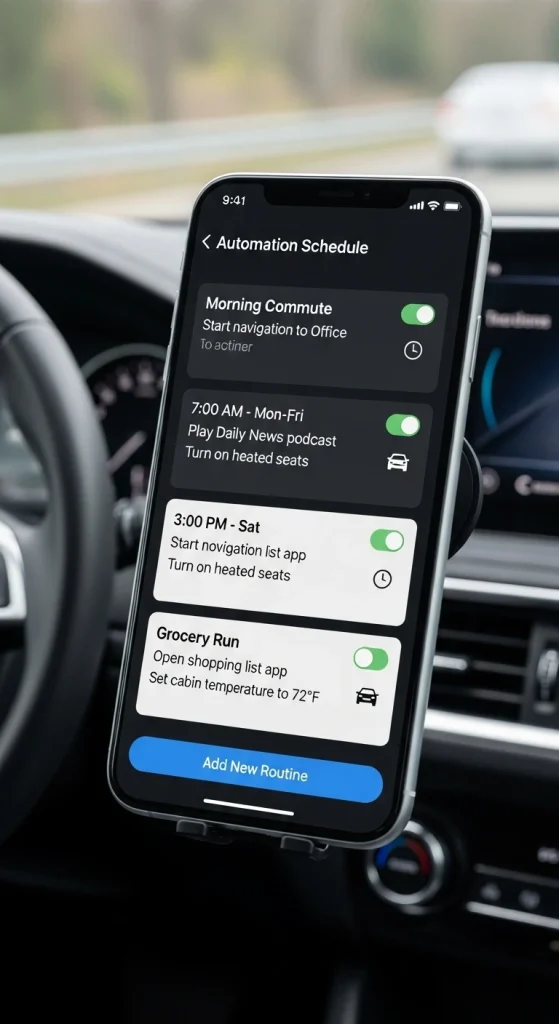
Hardware costs money, but software is often free. Apps like IFTTT (If This Then That) or the native “Routines” in the Alexa/Google apps allow you to create complex automations without buying extra sensors. For example, you can use your phone’s GPS location to trigger lights to turn on when you pull into the driveway. This “geofencing” adds high-tech functionality for zero dollars.
7) Look for Certified Refurbished Products
Tech giants frequently sell “certified refurbished” versions of their smart speakers, cameras, and displays. These items are inspected, fixed, and guaranteed to work like new but are sold at a steep discount. Buying refurbished is a smart way to get premium hardware—like a video doorbell or a smart display—while sticking to a strict budget.

8) Invest in Budget Security Cameras
Home security used to require expensive monthly contracts. Today, brands like Wyze and Blink offer high-definition indoor/outdoor cameras for as low as $30. These cameras connect to your Wi-Fi and offer features like motion detection, night vision, and two-way audio. You can monitor your home from an app without paying for professional monitoring services.

9) Add a Smart Thermostat for ROI
While a smart thermostat costs more upfront ($60–$130 for budget models), it is one of the few devices that pays for itself. Optimising your heating and cooling schedules, it lowers your utility bills. Check with your local energy provider before buying; many offer substantial rebates or even free units to customers to encourage energy efficiency.

10) Use Motion Sensors in High-Traffic Areas
Motion sensors are inexpensive battery-operated devices that trigger other actions. Placing one in a hallway or bathroom can automatically turn lights on when you walk in and off when you leave. This hands-free automation feels luxurious but is surprisingly cheap to set up. It also saves electricity by ensuring lights aren’t left on in unoccupied rooms.

11) Check for Works with Certifications
To keep costs low, you will likely buy devices from different budget brands. Always check the packaging for “Works with Alexa” or “Works with Google” badges. Avoiding proprietary systems that require brand-specific subscriptions or hubs is key to knowing how to set up a smart home system on a budget. Open ecosystems allow you to mix and match the cheapest reliable hardware available.

12) Expand Slowly and Strategically
The biggest mistake beginners make is buying everything at once. Start with one room or one function (like lighting). Once you master that, move to security or climate control. Building your system piece by piece spreads the cost over months or years. It also allows you to wait for sales, such as Black Friday or Prime Day, to snag major components at the lowest possible price.

Conclusion
Building a connected home is accessible to everyone, regardless of income. By understanding how to set up a smart home system on a budget, you can prioritise affordable, high-impact devices like smart plugs and mini speakers. Focus on compatibility, utilise free software automations, and expand your system gradually to create a smart living space that works for your wallet.